

29 January 2026
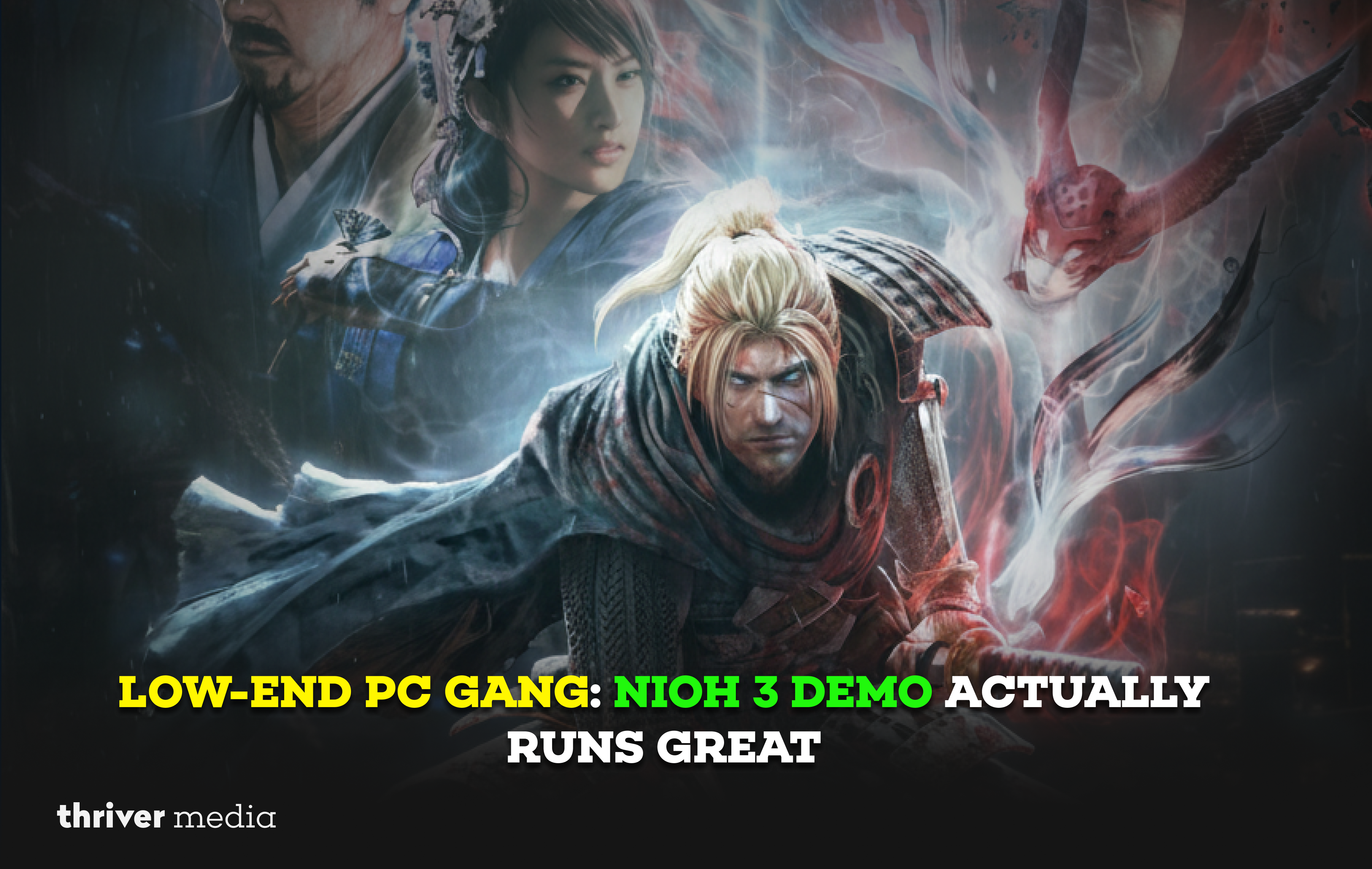
Look, I need to be honest with you. When the Nioh 3: Rise of the Ronin demo dropped, my first feeling wasn’t hype. It was dread. My trusty rig, “Old Reliable,” is rocking a GTX 1060 and an i5 from the before-times. I’ve been burned before by “optimization” that felt like the devs just gave up and shipped a slideshow.
So I booted it up, clenched my teeth, and prepared for the single-digit frames and potato-mode textures. But then it just worked. I’m not joking. It actually ran. And not just “ran” it ran well. This is a PSA for every member of the Low-End PC Gang out there, nervously eyeing system requirements: you might just be in for a very pleasant surprise.
How Is Nioh 3 Running So Smoothly on PC?
At first glance, Nioh 3 has no business running this well on older hardware. But after spending time with the Steam demo, the reasons behind its smooth performance start to make a lot of sense.
The “How Is This Possible?” Breakdown
Let’s get into the nitty-gritty. I threw the demo at my PC on its default “Standard” graphics preset at 1080p. The game has several presets: Cinematic, Standard, Performance, and Ultra Performance. I live in “Standard” land.
- Framerate: A shockingly stable 45-55 FPS in the open field of Yokohama. Indoors and in more linear sections? A solid 60. No wild stutters, no catastrophic drops when a giant enemy appeared.
- The Look: It still looks fantastic. Team Ninja and Koei Tecmo have clearly done some black magic here. The textures are clean, the iconic combat effects are crisp, and the world feels dense and alive. This isn’t some blurry, downgraded mess. It’s the full game, just accessible.
- The Feel: This is what matters. The signature Nioh combat the ki pulses, the stance dancing, the brutal parries it all felt responsive. Input lag is the true killer of action games, and there was none here. The demo was buttery smooth where it counted.
The Hardware Reality: Who Can Actually Run This?
Let’s cut through the official spec sheet panic. Based on hands-on time with the demo, here’s a real-world breakdown of what you need to hit playable targets.
- The Bare Minimum (720p/30fps, Low Settings): You’re looking at hardware from the GTX 960 / GTX 1050 Ti (4GB) and i5-7500 era. This is for the true “can it run?” crew. The “Ultra Performance” mode with FSR is your lifeline.
- The Sweet Spot (1080p/45-60fps, Standard Settings): This is where my GTX 1060 6GB / RX 580 and i5-8400 setup lives. This is the target for most of the Low-End PC Gang, and it’s beautifully achievable. A modern equivalent would be a GTX 1650 Super or better.
- The High-End Target (1440p/60fps+, High Settings): Enter RTX 2060 / RTX 3060 or RX 5700 XT territory, paired with a modern 6-core CPU. This is where you can start to max out settings without compromise.
- The Future-Proof (4K/60fps, Cinematic): You’ll want an RTX 3070 Ti / RTX 4070 or RX 6800 XT and up. This is for the graphics maxxers who want every shadow, ray, and texture at its peak.
Settings Tweaks for the Truly Desperate (GTX 1050 Ti Crew, I See You)
If you’re riding the line even harder, the “Performance” mode is your best friend. It dynamically adjusts resolution to keep things smooth. On my 1060, it locked to 60fps like glue. You can also dive in and manually nuke a few settings with minimal visual cost:
- Shadow Quality: A perennial first victim. Drop it one notch.
- Ambient Occlusion: Can be a performance hog. “SSAO” is lighter than “HBAO+”.
- Volumetric Fog/Rays: Beautiful, but often expensive. Try turning them down.
Performance & Expectations Table
Here’s a quick-glance guide to set your expectations before you hit download.
| Your Hardware Context | What to Expect & Recommended Preset | The Realistic Goal |
|---|---|---|
| GTX 1050 Ti, RX 570, i5 7th Gen | Ultra Performance Mode. It’s your ticket in. Stable 60 FPS is possible with a slightly softer image. | Smooth, responsive combat at 1080p |
| GTX 1060, RX 580, i5 8th Gen (The “Old Reliable”) | Standard or Performance Mode. This is the sweet spot. Tweak a few heavy-hitting settings. | A gorgeous 45–60 FPS at 1080p with great visuals |
| RTX 2060, RTX 3060, Ryzen 5 3600 | Standard or High Preset. Push higher fidelity or lock in a rock-solid 60 FPS. | Maxed 1080p at 60 FPS or a smooth 1440p experience |
| RTX 3070, RTX 4070, Ryzen 7 5700X & Above | Cinematic Preset. Go all out crank everything and enjoy the visual feast. | 1440p at 60+ FPS or 4K at 60 FPS (high settings) |
Your Interesting Questions
The “Minimum” specs often target 30fps at low settings. If you’re within 10-15% of those specs (e.g., you have a 4GB VRAM card instead of 6GB), download the demo. It’s free. Let the game, not a spec sheet, be the judge.
In my 3-hour demo session, I experienced negligible stuttering. There seems to be a brief shader prep at first launch, which is a GOOD thing it prevents in-game hitches. Modern practice done right.
It uses aggressive upscaling (likely FSR), so yes, it’s noticeably softer. But on a very low-end system, a stable, clear 60fps for perfect combat is better than a pretty 20fps slideshow. It’s a great, viable option.
Demos are often based on older builds, but they’re usually a reliable indicator. Team Ninja has a strong track record with PC ports lately (Wo Long, Nioh 2 Remastered). This is a very promising sign.
The Bottom Line
Stop overthinking it. Download the free demo. This is the single most important piece of advice. Team Ninja has delivered a PC port that scales with genuine care, making a cutting-edge action game accessible without sacrificing the feel of its legendary combat. For the Low-End PC Gang, this is a rare and unequivocal victory.
Conclusion: A Victory for the Gang
This isn’t just “it runs.” This is a developer showing respect for the entire PC ecosystem. Nioh 3: Rise of the Ronin feels like a game that was built to be played, not just to be a benchmark trophy. It’s a love letter to the combat, and they’ve ensured that a huge chunk of the player base can actually experience it properly.
For the Low-End PC Gang, this is a win. A real, tangible, yokai-smashing win. So stop worrying about the specs. Download the free demo, fire it up, and get ready to become a Ronin. Your trusty old warrior of a PC might just have one last glorious campaign in it.
Official Source & Demo:
Grab the demo straight from the source on Steam or the PlayStation Store. See you on the battlefield.
What about you? What’s your “Old Reliable” rig and how did it handle the demo? Scream your success stories (or troubleshoot your issues) in the comments below. The Gang needs to know!
Disclaimer: The news and information presented on our platform, Thriver Media, are curated from verified and authentic sources, including major news agencies and official channels.
Want more? Subscribe to Thriver Media and never miss a beat.