
20th February 2026
How to Turn AI Ideas Into a Real LLM App
Everyone is talking about AI. Founders are name-dropping it in pitches, operators are testing ChatGPT for busy work, and LinkedIn is flooded with hot takes about the future.
But here’s the reality: Very few people actually ship anything.
If you’re reading this, you’re probably feeling the pressure to “do something” with AI, but the path from idea to working app feels like a swamp of jargon, APIs, and confusing frameworks. You might be wondering: Do I need a team of PhDs? Do I need to learn to code from scratch?
The answer is no.
Building an LLM-powered application isn’t magic. It’s a process. It’s about automating tasks that are currently slow, expensive, or broken. This guide is designed to cut through the noise and give you a practical, 9-step blueprint to build your first LLM app.
Whether you’re a founder, an operator, or just curious, these steps will take you from “I should use AI” to “I just shipped something useful.”
What AI Automation & LLM Apps Really Mean
Let’s demystify the terms.
An LLM (Large Language Model) app is simply a piece of software that uses a giant AI model (like GPT-4 or Claude) to understand and generate human-like text.
AI automation is the act of using that software to perform tasks that previously required a human to read, write, or decide. It’s not about replacing humans entirely; it’s about removing the repetitive, manual grind.
Here is how that looks in the real world:
- Customer Support Bot: Instead of a human typing out “I’ve reset your password,” the bot handles it instantly.
- Content Assistant: A tool that takes a raw transcript or brainstorm notes and turns them into a formatted blog draft or social post.
- Internal Knowledge Base: An app that employees can ask “What is our policy on remote work?” and get an instant answer pulled from your company’s policy docs.
The power comes from combining the reasoning power of an LLM with the repeatability of automation. You aren’t just chatting with a bot; you are automating a workflow.
The Core: 9 Steps to Your First LLM App
Here is the step-by-step framework to build your first application. Follow these in order, and you’ll avoid the most common pitfalls.
Step 1: Start With a Real Problem

This is the most important step. If you start with “I want to use AI,” you will build a solution in search of a problem and it will fail.
Instead, look for friction. Look at your daily operations and ask:
- “What process takes up 3 hours a week that I hate doing?”
- “Where do we have a bottleneck because we rely on one expert?”
- “What task is repetitive and formulaic?”
Action: Grab a notepad and write down three slow, expensive, or broken processes in your business right now.
Step 2: Define a Clear Outcome

Once you have a problem, define what success looks like. Be specific.
Instead of: “I want a chatbot for my website.”
Try: “I want a tool that answers FAQs about shipping times so my support team has to answer 50% fewer emails.”
This clarity will guide every technical decision you make later.
Step 3: Choose the Right Use Case Scope

This is where most people go wrong. They try to build “SkyNet” on day one. Don’t build a monster. Build a small win.
Scope your project down to the smallest possible version that still delivers value. If you want to build a sales email generator, don’t try to make it integrate with your CRM, scrape LinkedIn, and translate to 10 languages on version 1. Start with: “I paste a prospect’s LinkedIn URL, and it spits out a draft email.”
Step 4: Map the Workflow Before Touching Code
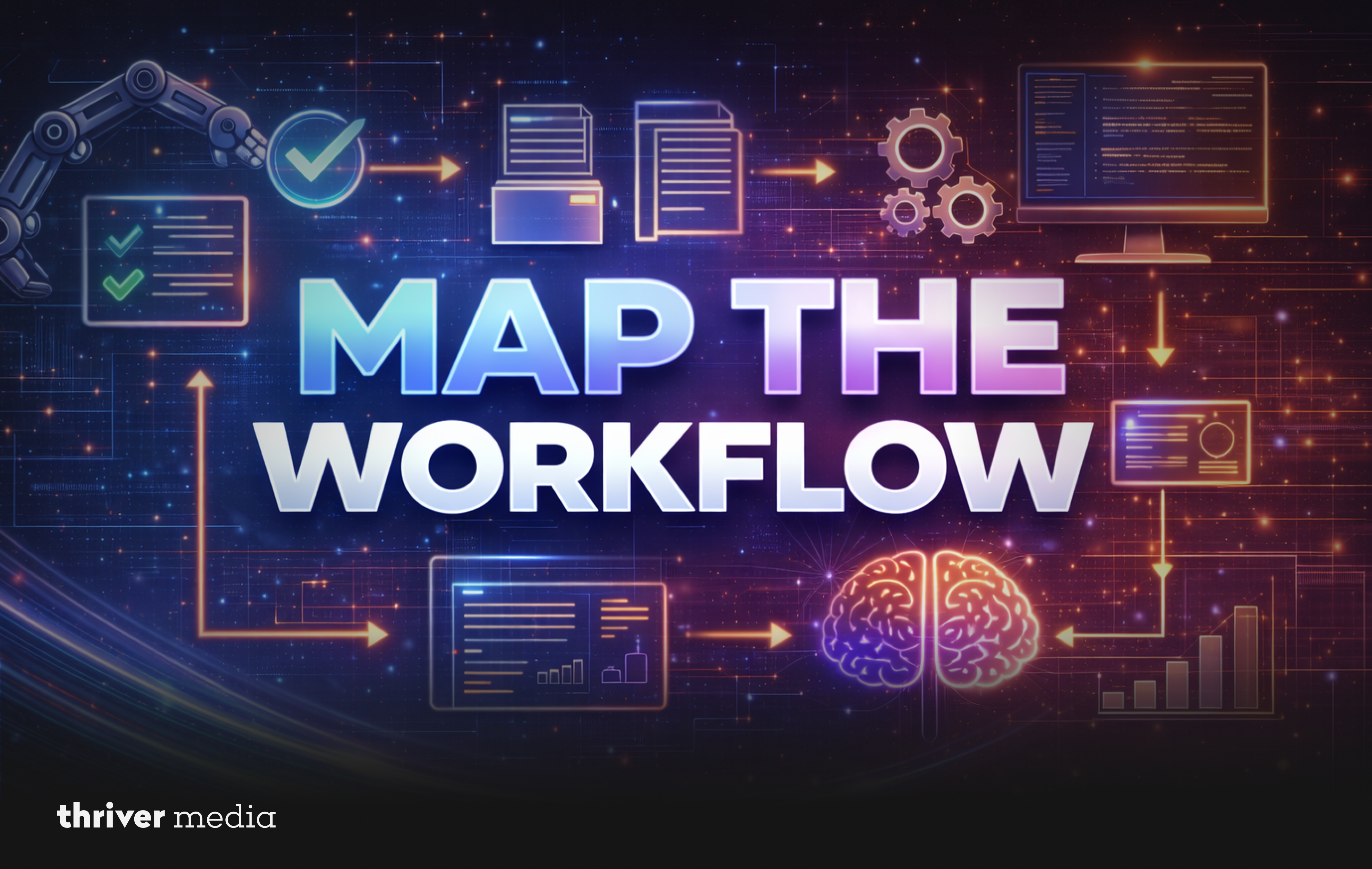
AI doesn’t replace a workflow; it automates parts of it. Before you write a single line of code or configure a tool, draw out the process.
Example:
- Trigger: Customer submits a support ticket. (Human does this)
- Action: AI categorizes the ticket (Billing vs. Technical). (AI does this)
- Action: AI searches the knowledge base for an answer. (AI does this)
- Review: Human reviews the answer and hits send. (Human does this)
Knowing where the handoffs are between human and machine prevents chaos.
Step 5: Choose the Right LLM & Tools
You don’t need to build a model from scratch. You just need to plug into one.
- The Model: OpenAI (GPT-4o), Anthropic (Claude), and Google (Gemini) are the industry standards. They are accessible via API (Application Programming Interface).
- The Tools: If you don’t code, platforms like Zapier, Make, or Langflow allow you to connect AI to your spreadsheets and apps visually. If you do code, frameworks like LangChain or LlamaIndex help structure your app.
- The Advice: Start with the easiest tool that solves the problem. You can optimize for cost later.
Step 6: Design Prompts That Actually Work
Your “code” is the prompt. Garbage in, garbage out. A good prompt is structured and clear.
- Give it a Role: “You are a world-class copywriter.”
- Give it Context: “Our brand voice is friendly but professional.”
- Give it a Task: “Rewrite this bullet point list into a paragraph.”
- Give it Constraints: “Do not use jargon. Keep it under 100 words.”
Step 7: Add Guardrails & Validation

LLMs are creative, which means they sometimes lie (hallucinate) or can be tricked (prompt injection). You need guardrails.
- Hallucination Control: If your app summarizes internal documents, tell it: “If the answer is not in the provided context, say ‘I don’t know.'”
- Security: Never let the user’s input directly run a command on your database. Treat user input as untrusted.
- Validation: If the app is supposed to output a JSON file, have a backup script that checks if the file is valid before sending it onward.
Step 8: Test With Real Users
Put the app in front of one brave colleague or friend. Don’t ask “Is it good?” Ask “Does this save you time?” or “Where did it get stuck?”
You will likely find that the language is weird, the output format is wrong, or the trigger isn’t happening the way you thought. This feedback is gold.
Step 9: Launch Small, Improve Fast

Don’t wait for perfection. Launch it to a small group (a pilot team, a specific customer segment). Monitor the results, fix the obvious bugs, and then roll it out wider. Iteration beats perfection.
Practical Examples (How This Looks in the Wild)
1. Small E-commerce Brand (Support Automation)

- Problem: The founder was answering the same questions about returns and sizing 50 times a day.
- The App: They used a no-code tool to connect their email inbox to the OpenAI API. The AI reads the email, checks a spreadsheet of return policy rules, and drafts a personalized reply. The founder reviews it (takes 2 seconds) and hits send.
- Result: Support time dropped from 3 hours a day to 30 minutes.
2. Agency Owner (Proposal Drafts)

- Problem: Writing custom proposals for new clients took 5 hours per week.
- The App: They built a simple form that asks for the client name, industry, and scope of work. This data is fed into a prompt that generates a full proposal structure, pulling from a library of past successful case studies.
- Result: Proposal creation went from 5 hours to 45 minutes.
3. SaaS Startup (Onboarding Emails)

- Problem: New users weren’t engaging with the product after sign-up.
- The App: An automated workflow that looks at the user’s sign-up data (job title, company size) and uses an LLM to personalize the first 3 onboarding emails.
- Result: Click-through rates on onboarding emails increased by 40%.
Common Questions About AI Automation (FAQ)
Where to buy AP automation software with AI-based fraud detection?
Look for enterprise fintech platforms like Tipalti, Airbase, or Bill.com that offer AI anomaly detection, audit trails, and SOC2 compliance.
How does usage-based pricing work for AI automation?
You pay based on usage tokens processed, API calls made, or monthly task limits so costs scale with how much you use.
What industries benefit most from AI automation?
Finance, healthcare, e-commerce, and SaaS see the biggest gains through workflow automation and intelligent data processing.
How long does it take to build your first LLM app?
A simple prototype can take 1–2 weeks, while a production-ready version usually takes 4–6 weeks.
Do you need to know coding to build LLM apps?
No, you can start with no-code tools, but complex or custom apps will eventually require development skills.
Common Mistakes to Avoid
- Building Before Validating: Spending weeks building a complex app before checking if anyone actually wants it.
- Overcomplicating Architecture: Using a sledgehammer to crack a nut. Start with a simple Python script or a Zapier bot, not a microservices architecture.
- Ignoring Security: Exposing sensitive customer data to public AI models. Always check your data privacy settings.
- No Cost Monitoring: Letting an AI run in a loop and waking up to a massive API bill. Set spending limits.
- No Human Review Loop: Assuming the AI is 100% accurate. Always have a human in the loop for critical tasks.
Conclusion: Start Solving, Not Hacking
AI automation isn’t about the hype on Twitter. It’s about finding the boring, repetitive tasks that drain your energy and using modern tools to handle them. It’s about building systems that let you focus on the work that actually matters.
You don’t need to be a technical genius. You just need a structured approach and the discipline to start small.
Your challenge this week: Pick one slow, manual workflow in your business. Just map it out. By Friday, decide on the smallest possible step you can take to improve it with AI.
Ready to Build Systems That Actually Move Revenue?
At Thriver, we don’t just talk about AI we help businesses implement it. We work with operators and founders to identify the highest-impact automation opportunities and build custom LLM applications that fit seamlessly into your workflow.
If you’re serious about implementing AI automation the right way reducing operational costs and scaling smarter let’s talk.
Contact Thriver today to discuss your business goals and build systems that actually move the needle.
Want more? Subscribe to Thriver Media and never miss a beat.