
3rd February 2026
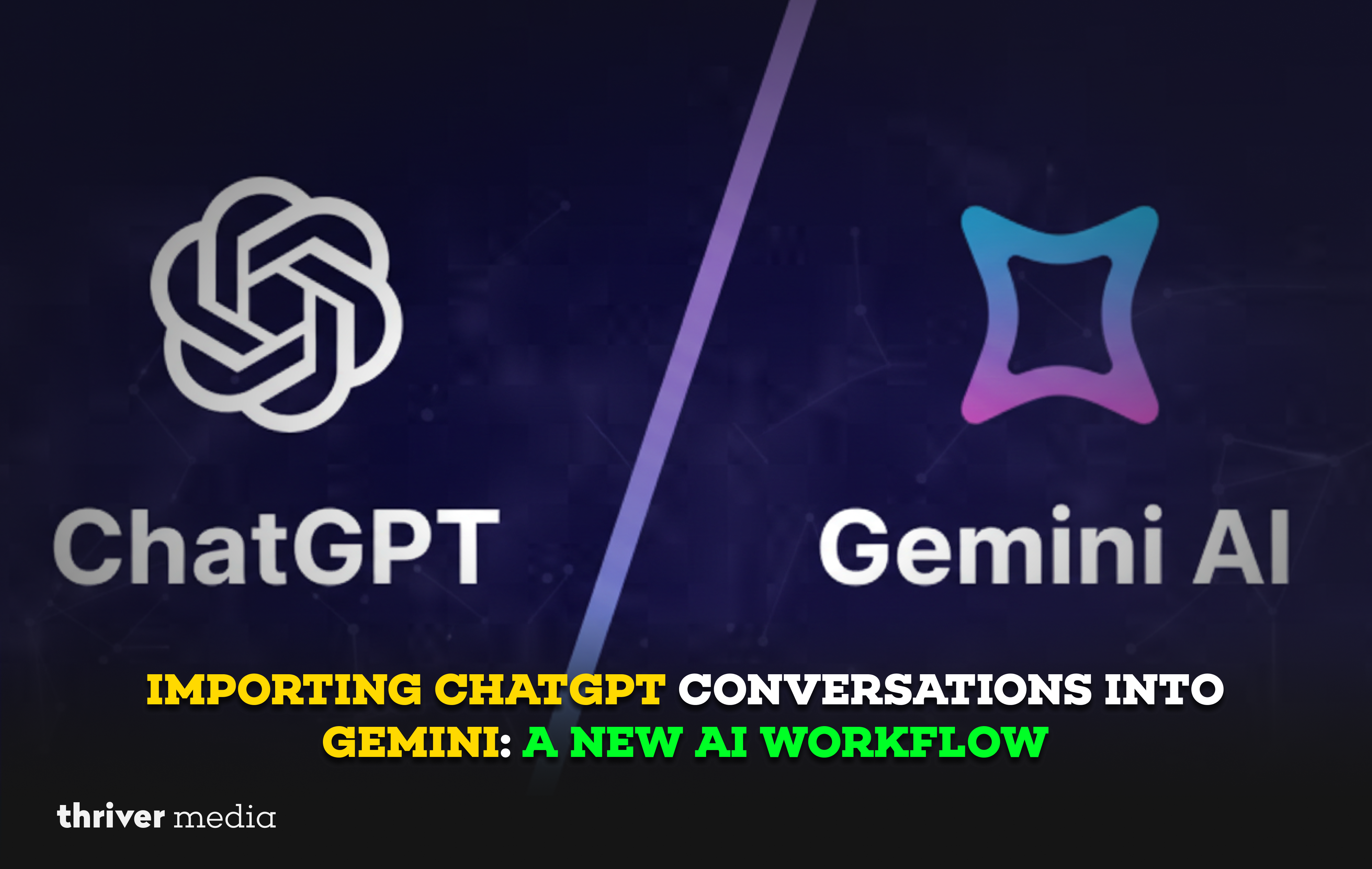
If you’ve ever wished you could carry your ChatGPT history into Gemini without losing your train of thought or starting from scratch you’re in luck. A new workflow is emerging that lets you import your ChatGPT conversations directly into Google’s Gemini. This isn’t just a minor feature; it’s a meaningful step toward AI tool interoperability. Now, your context, ideas, and ongoing projects can move with you, reducing lock-in and freeing you to choose the right AI for the task.
In this post, we’ll explore why these matters, how to do it, and who benefits most from creators and researchers to teams collaborating across platforms. Let’s dive in.
Why This Matters: Ending AI Silos
Until recently, switching between ChatGPT and Gemini came with a high cost: losing your conversation history. Your context, nuanced adjustments, and threaded ideas were stuck in one platform. This created “AI silos” that made experimenting with different tools feel disruptive.
The new import capability solves a real problem: context discontinuity. Think of it like moving from one note app to another and being able to bring all your notebooks with you not just the raw text, but the structure and flow of your thoughts. This feature enables true workflow continuity. It lowers the switching cost between AI tools and puts the focus back on your work, not on which platform you started it in.
Step-by-Step: How to Import Your ChatGPT Conversations
The process is straightforward. Here’s a practical walkthrough:
- Export from ChatGPT:
Go to your ChatGPT account settings.
Look for “Data Controls” or “Export Data.”
Request an export of your conversation history. You’ll typically receive a JSON file or a structured document via email.
- Prepare the File (if needed):
Some tools or third-party converters might help reformat the export for optimal ingestion, depending on Gemini’s current import interface. Keep an eye on the official supported formats.
- Import into Gemini:
Within the Gemini web interface or app, look for an “Import” or “Upload Conversation” option (this may be in settings or as a new chat button).
Select your prepared ChatGPT export file.
Confirm the import. Gemini will process the file and recreate the conversations as a new, navigable thread in your history.
Quick Checklist:
- Export your ChatGPT data from account settings.
- Check Google’s official help doc for supported formats.
- Use any official Gemini import tool or verified converter.
- Upload the file and verify the conversation appears correctly.
At-A-Glance Comparison: What Changes?
| Feature | ChatGPT (Standalone) | Gemini (with Import) | Core Benefit |
| History Access | Confined to ChatGPT | Portable and usable inside Gemini | Preserves your intellectual context |
| Workflow Continuity | Breaks when you switch tools | Maintained across platforms | Saves time and reduces friction |
| Editing & Prompt Refinement | You start over in a new tool | Continue refining existing threads | Enables iterative improvement across AIs |
| Tool Flexibility | Limited to its own ecosystem | Acts as a hub for cross-platform work | Lets you choose the best AI for each task phase |
Real-World Use Cases: Where This Shines
- The Researcher: You began a complex literature review in ChatGPT. Weeks later, you realize Gemini excels at sourcing recent studies. Instead of copying and pasting, you import the entire thread. Gemini picks up where you left off, with full understanding of your previous queries and sources.
- The Project Switcher: Your team uses ChatGPT for brainstorming but prefers Gemini for drafting final content. Now, you can import the brainstorm session directly into Gemini and say, “Based on the ideas in this conversation, draft a project brief.” The context is already there.
- The Student: You’ve been using ChatGPT to break down a difficult concept. Before a study session, you import the conversation to your phone’s Gemini app. Now you have your personalized tutorial thread mobile and ready to go, without any copy-paste hassle.
FAQ: Your Questions, Answered
Likely yes, if you export your full data. However, bulk imports may be processed in segments. Check the current limits in Gemini’s official documentation.
The feature should be available broadly, but some advanced import or organizational features may be tied to Google One AI Premium or workspace accounts. The core functionality is expected for all users.
Text and core context should transfer cleanly. However, complex formatting (like tables or code blocks) may need a quick review. It’s always wise to skim the imported conversation for fidelity.
No. The import is designed to be a faithful transfer. Gemini will not alter the original content of the ChatGPT exchange.
Your data is handled according to Google’s privacy policy. As with any data transfer, it’s good practice to avoid importing highly sensitive conversations. You remain in control of your data.
Drawbacks & Limitations (Keeping It Balanced)
This is a positive step, but it’s not perfect. Here’s what to watch for:
- Fidelity Isn’t Always 100%: Very long, complex threads with rich media might not translate perfectly. Code snippets or markdown may need a tweak.
- It’s a One-Way Street (For Now): You can import ChatGPT into Gemini, but there’s no official export from Gemini back to ChatGPT.
- Context is There, But “Memory” Isn’t: Gemini receives the text of the conversation, but it doesn’t inherently “remember” it as part of its ongoing memory for future, unrelated chats unless you reference the imported thread.
- Not a Universal Solution: If you’re perfectly happy with one AI and never switch, this workflow adds little value. It’s for multi-tool users.
Official Source & Next Steps
For the most accurate, up-to-date instructions and feature announcements, always refer to the official source.
👉 Read the official update from Google here:
📎 https://blog.google/products/gemini/
(Note: At the time of writing, this feature may be in rollout. Check the official help docs for the latest.)
The Bottom Line
If you’ve ever wished your AI tools “talked” to each other, this is a big step forward. Importing ChatGPT conversations into Gemini breaks down walls, making your AI-aided work more fluid and less platform-dependent.
Who should care? Professionals, creators, students, and teams who use multiple AI tools and value their time and context. What’s next? Try it with a single, important conversation. See how it feels to continue a project in a new environment without losing your stride.
Have you tried the import workflow? Share your experience or questions in the comments let’s explore this new territory together.
Disclaimer: The news and information presented on our platform, Thriver Media, are curated from verified and authentic sources, including major news agencies and official channels.
Want more? Subscribe to Thriver Media and never miss a beat.