

15th December 2025
It’s Not Just an Update. It’s an Urgent Fix.
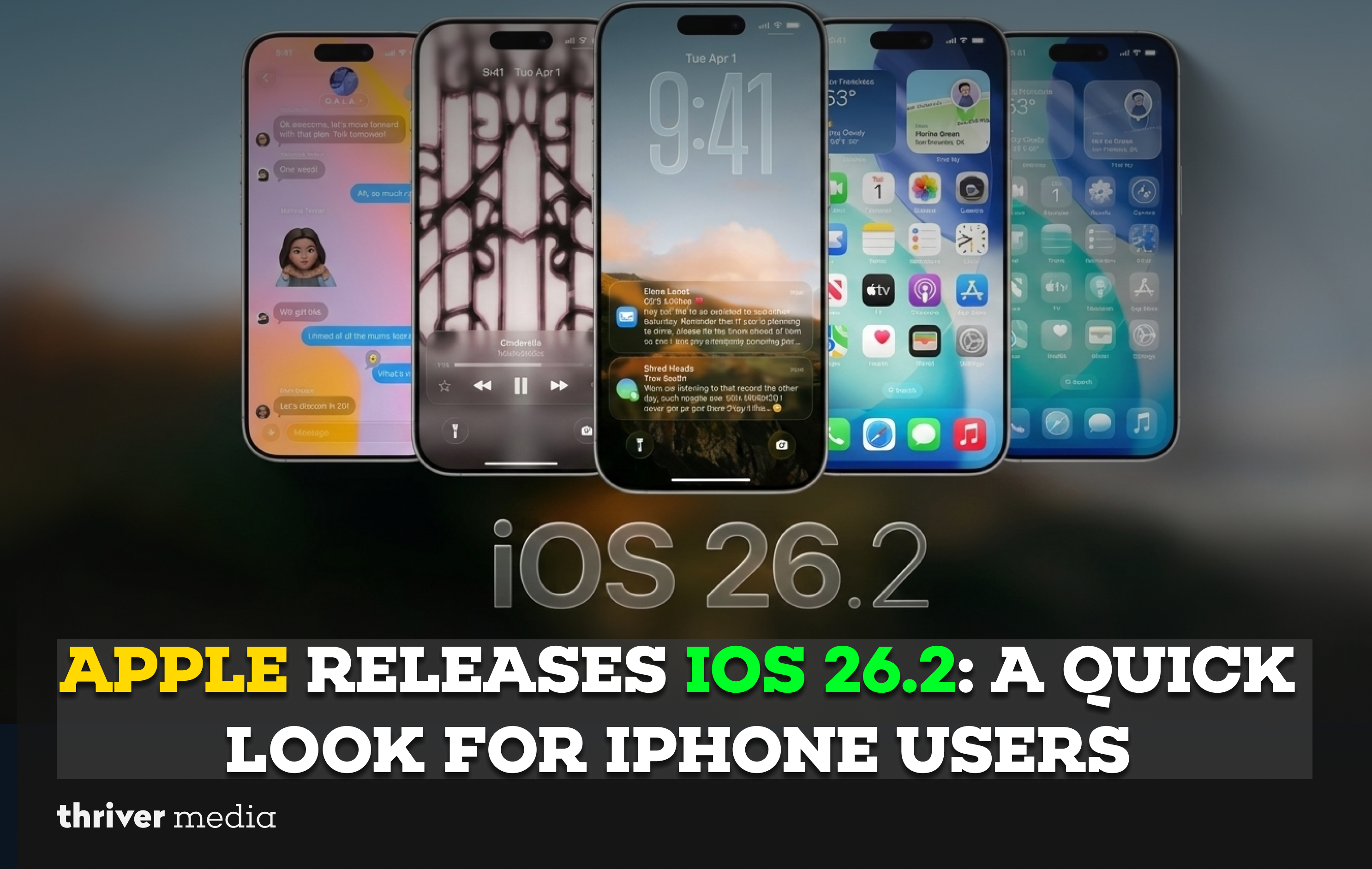
Hey iPhone crew, listen up. If you’ve been hitting “Remind Me Later” on those software update notifications, today is the day to stop. Apple just pushed out iOS 26.2, and they’re not being subtle about it they’re telling everyone to update right now.
Why the urgency? This isn’t just about new emojis or battery percentage tweaks. This patch fixes 26 security holes, two of which are already being used in real-world attacks. Think of it as Apple rushing to lock the doors because they’ve spotted someone trying the handles.
The Nuts & Bolts: What’s Actually Fixed?
Okay, so Apple plays its cards close to the chest on details (to avoid giving hackers a blueprint), but here’s the breakdown:
- The Big Two (Already Exploited): Both are in WebKit the engine that powers Safari. In short, simply interacting with a sketchy webpage could have let bad actors run malicious code on targeted iPhones. Scary stuff.
- The Kernel Flaw: This one’s deep in the iPhone’s core. If exploited, an app could have gotten “root” access basically giving it total control over your phone. As one expert put it, a hacker with root access “effectively owns it.” They could see your messages, banking info, you name it.
The Spyware Shadow
This update lands as Apple is sending out rare, scary “cyber threat notifications” to users in over 80 countries. The target? Commercial spyware. This isn’t a mass malware campaign; it’s highly targeted, aiming at journalists, activists, and specific business folks. But if it gets on a device, it can see and hear everything, even through apps like WhatsApp.
Signs You Might Be Affected (And What to Do)
Is your phone suddenly:
- Running super slow or laggy?
- Getting hot for no reason?
- Showing apps you didn’t download?
If yes, the nuclear option is to replace the phone. A temporary fix? Turn it off and on. It disrupts the malware, but it’s not a cure. Your best defense is prevention: update immediately.
Wait, Where Was iOS 26.1.1?
Sharp-eyed users might wonder why we jumped from 26.1 to 26.2. Good catch! If you’re on iOS 26.1 and have the new Background Security Improvements feature turned on (you should), your phone may have already patched itself on the fly. This update solidifies those fixes for everyone and catches those who missed the last version.
The Bottom Line & Quick FAQ
Yes. Seriously. Two of these flaws are already being used “in the wild.” Delaying is a risk.
Apple also released iOS 18.7.3 with the same critical fixes. You’re covered. Go update.
iOS 18.7.3 supports iPhone XS and later. iOS 26.2 is for iPhone 11 and later. Check your Settings.
Both! Alongside the critical patches, 26.2 brings:
Tunes to Apple Music (fixes for new albums, offline lyrics).
Tweaks to Podcasts and Sleep scores.
More options for Liquid Glass (Apple’s controversial screen protector feature).
AirPods Live Translation in the EU.
| For This Device… | Update To This… | Key Reason |
| iPhone 11 & later | iOS 26.2 | Fixes two actively exploited WebKit flaws plus 24 additional security vulnerabilities. |
| iPhone XS / XR & later | iOS 18.7.3 | Delivers the same critical security patches for older supported models. |
| Mac users | macOS 26.2 / 15.7.3 / 14.8.3 | Companion security updates released across supported macOS versions. |
| Apple Watch / Apple TV / Vision Pro | watchOS / tvOS / visionOS 26.2 | Ensures full ecosystem-wide protection and security consistency. |
Conclusion: Just. Hit. Update.
In the time it took to read this, you could have already started the download. The math is simple: the potential hassle of a 10-minute update is nothing compared to the nightmare of a compromised device.
Don’t wait for the automatic prompt. Be proactive.
Go to Settings > General > Software Update.
Tap download. Grab a coffee. Let your phone do its thing.
Stay safe out there!
Disclaimer: The news and information presented on our platform, Thriver Media, are curated from verified and authentic sources, including major news agencies and official channels.
Want more? Subscribe to Thriver Media and never miss a beat.